
Jinverse Apps
Small, focused apps you buy once and keep.
Four offline tools made by Jinverse Digital. They install from your browser on Windows, Mac, Chromebook, iPhone and Android, keep your work on your device, and never ask for an account or a subscription.
- 7-day free trial, every feature
- One-time price, use on up to 3 devices
- Works offline, no tracking, no uploads
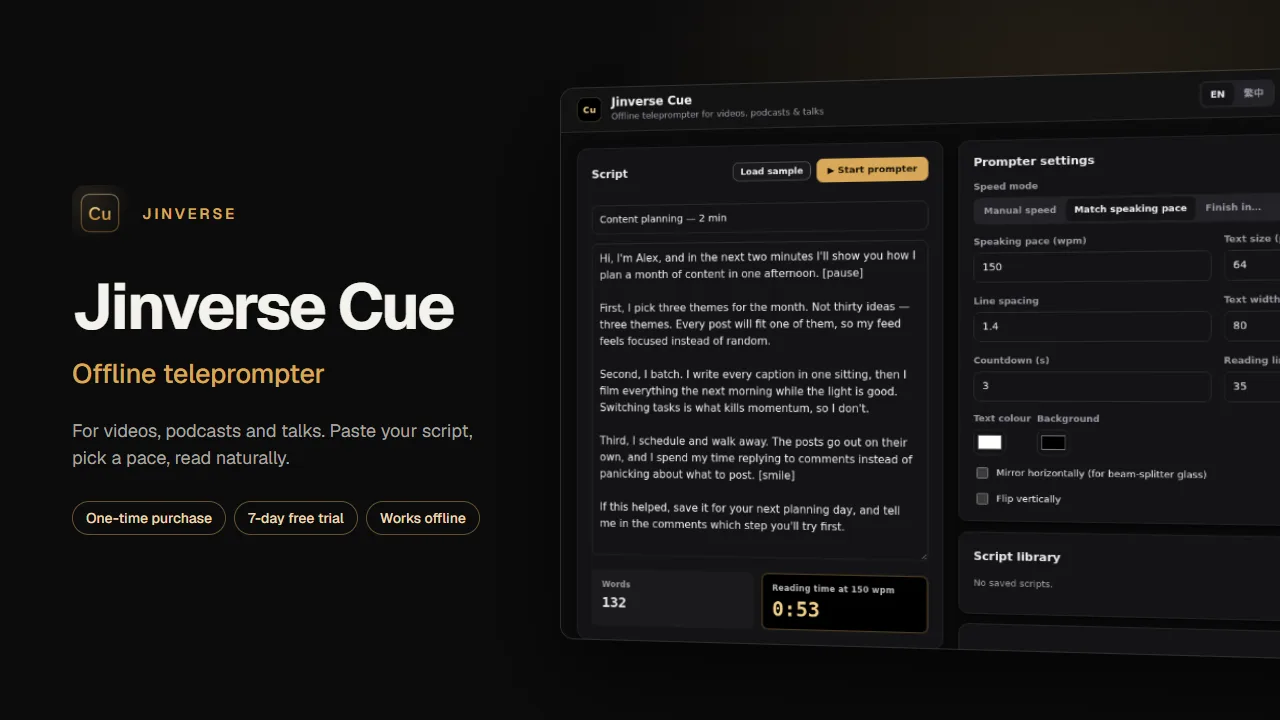
Offline teleprompter
Jinverse Cue
Turn any laptop, tablet or phone into a calm teleprompter for videos, podcasts and talks. Paste your script, pick a pace and read naturally.
Highlights
- Manual speed, words per minute, or finish in an exact time
- Mirror and flip for teleprompter glass
- Keyboard control and a reading line
US$14Launch price · one-time · Regular US$24
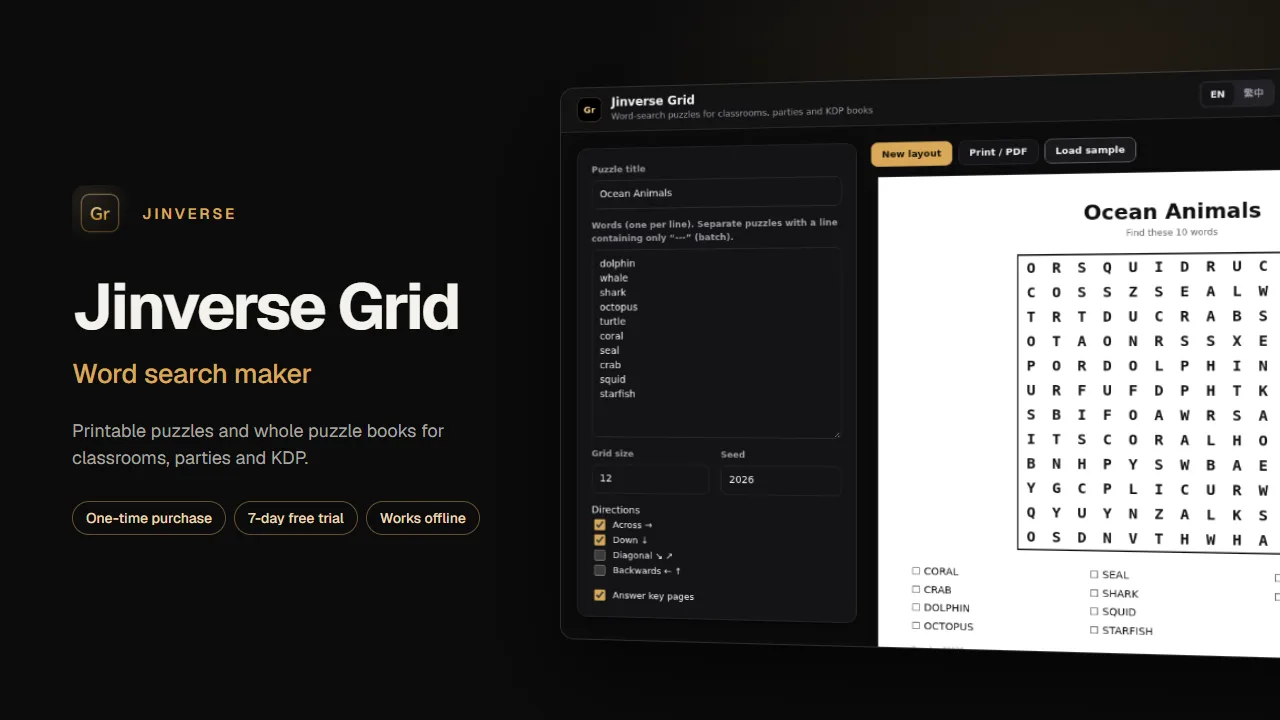
Word search maker
Jinverse Grid
Print-ready word-search puzzles and whole puzzle books for classrooms, parties and Amazon KDP, in English or Traditional Chinese.
Highlights
- Across, down, diagonal and backwards, with answer keys
- Batch mode: many puzzles into one printable book
- Print / PDF and SVG export for KDP interiors
US$12Launch price · one-time · Regular US$19
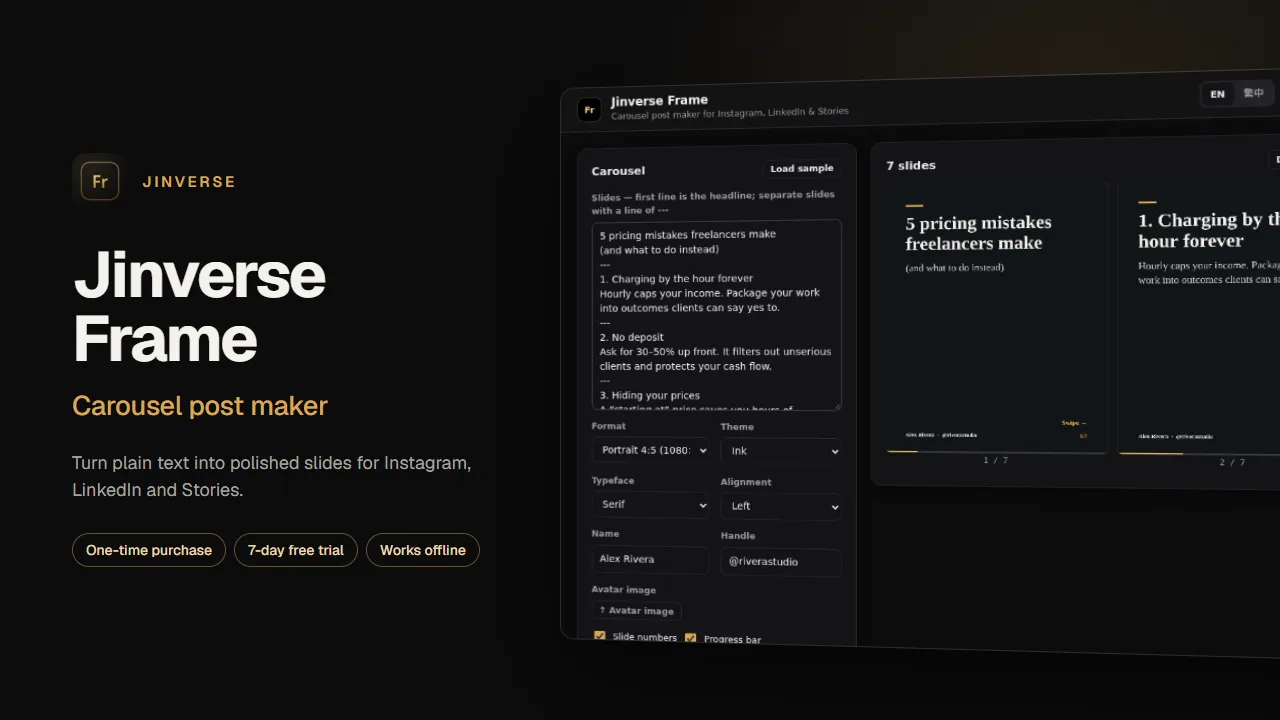
Carousel post maker
Jinverse Frame
Write your post as plain text and get consistent, on-brand carousel slides for Instagram, LinkedIn and Stories.
Highlights
- 4:5, 1:1, 9:16 and 1200×628 formats
- Themes, typefaces, swipe hint and slide numbers
- PNG per slide or one ZIP, with no EXIF or location data
US$14Launch price · one-time · Regular US$24
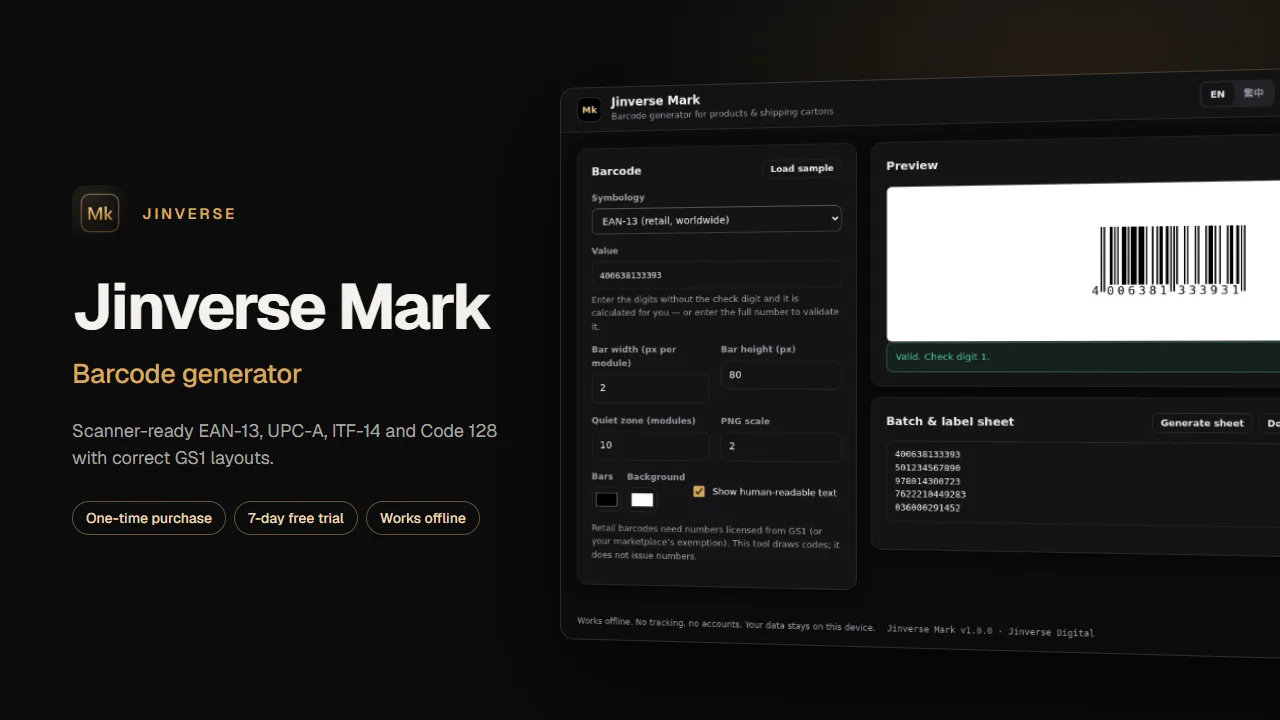
Barcode generator
Jinverse Mark
Scanner-ready EAN-13, UPC-A, EAN-8, ITF-14 and Code 128 barcodes with correct GS1 layouts, check digits and label sheets.
Highlights
- Automatic check digits and input validation
- SVG and high-resolution PNG, batch of up to 500 as a ZIP
- Printable label sheets
US$19Launch price · one-time · Regular US$29
Questions
- How do I install an app?
- Open the app and use your browser's Install option (Chrome or Edge), or Share → Add to Home Screen on iPhone and iPad. It then opens in its own window and works offline.
- How does the licence work?
- Every app runs fully for 7 days. After you buy, Gumroad emails a licence key; paste it into Activate in the app. One key works on up to 3 of your devices.
- Where is my data stored?
- Only on your device, in the browser's storage for that app. Nothing is uploaded. Use Export in the app to keep a backup or move to another device.
- What happens if I'm offline?
- The apps work offline after the first visit. The licence is checked once when you activate and occasionally in the background; an outage never locks a paying customer out.
- Can I get a refund?
- Yes. Purchases are handled by Gumroad and come with a 30-day money-back guarantee. A refunded key stops working.
- Is there a subscription?
- No. Each app is a one-time purchase. Updates to the same app are included.